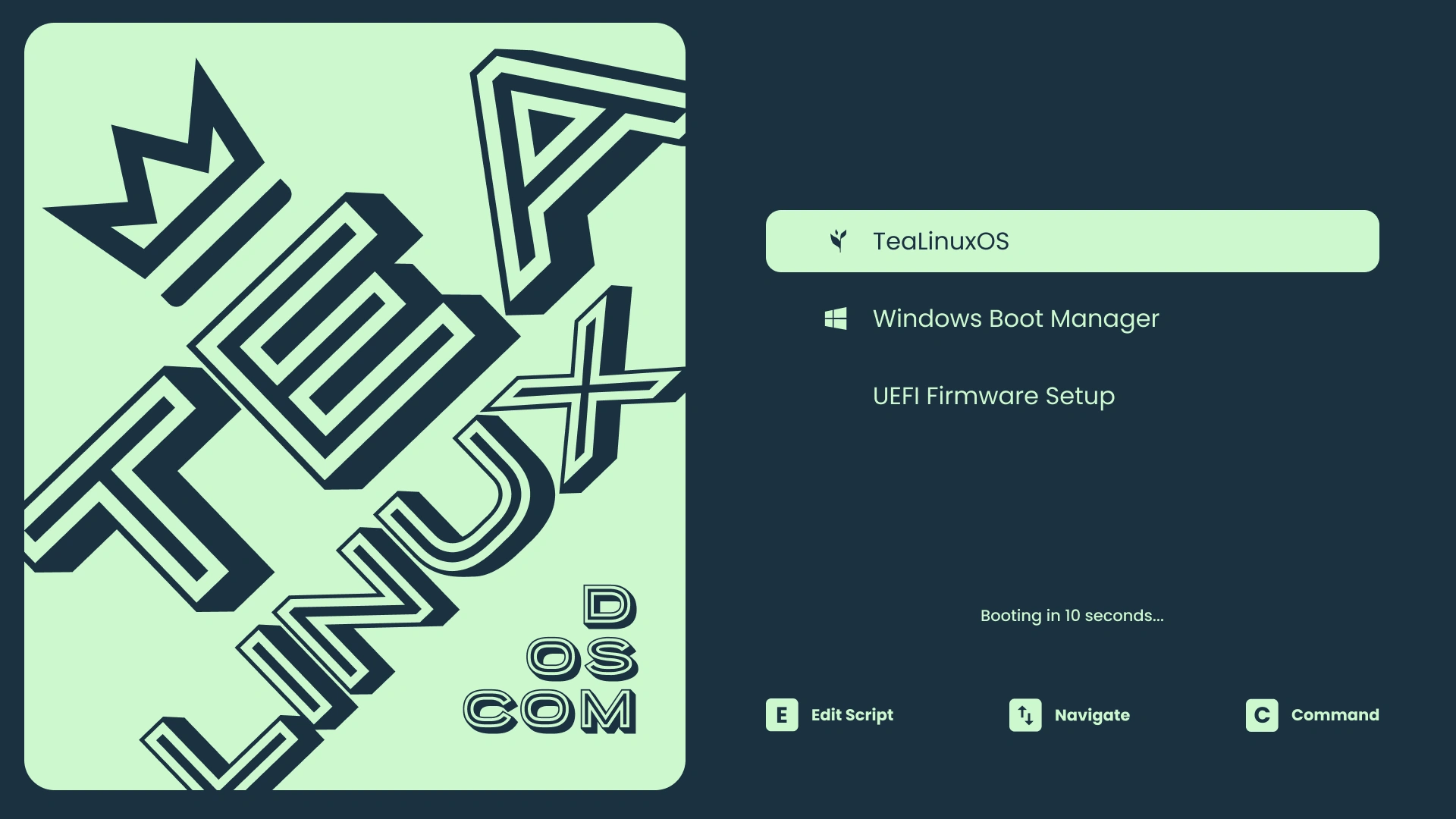
Booting TeaLinuxOS
Now that you have TeaLinux on a USB stick (or DVD) boot the computer from it. If you are not sure how to do this, check the documentation for your computer or motherboard. You may need to change the boot order in the BIOS or UEFI settings to boot from the USB stick or DVD first.
- Insert the USB stick or DVD into the computer.
- Restart the computer.
- Press the key to enter the boot menu
- Select the USB stick or DVD from the boot menu.
-
Press the
Enterkey to boot into the live environment.
Hint
Most computers let you press a specific key to choose what to boot from, and there’s always a key to open the BIOS settings where you can change the boot order. Depending on your computer, it could be Esc, F1, F2, F8, F10, F11, F12, or Delete. You’ll usually see a quick message about it on the screen right when the computer starts up.