Download TeaLinuxOS
Choose your edition and experience the delight of an open-source creation
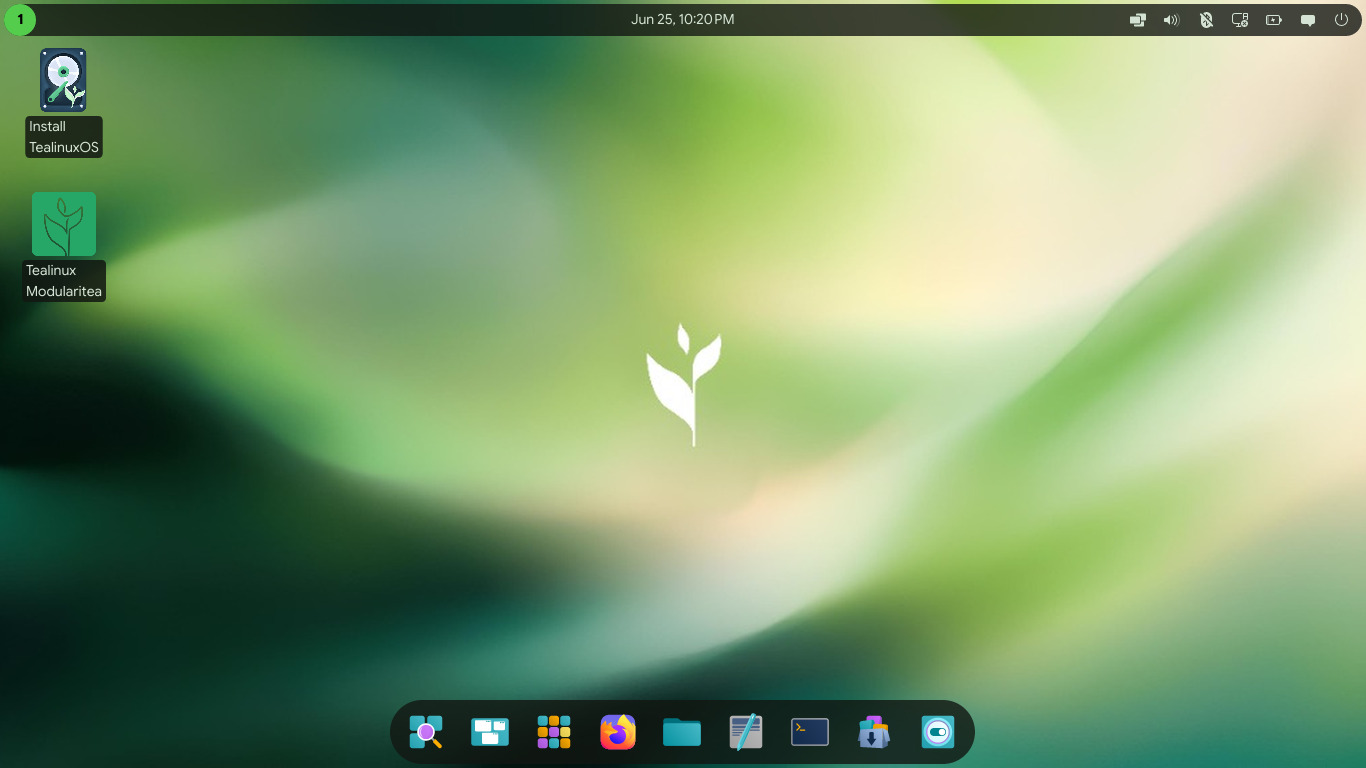
COSMIC EDITION
Latest Release
The newest version featuring the innovative COSMIC desktop environment.
Wayland by Default
Experience a modern and secure display server protocol for smoother graphics.
Enhanced Performance
Optimized for speed and efficiency on a wide range of hardware.
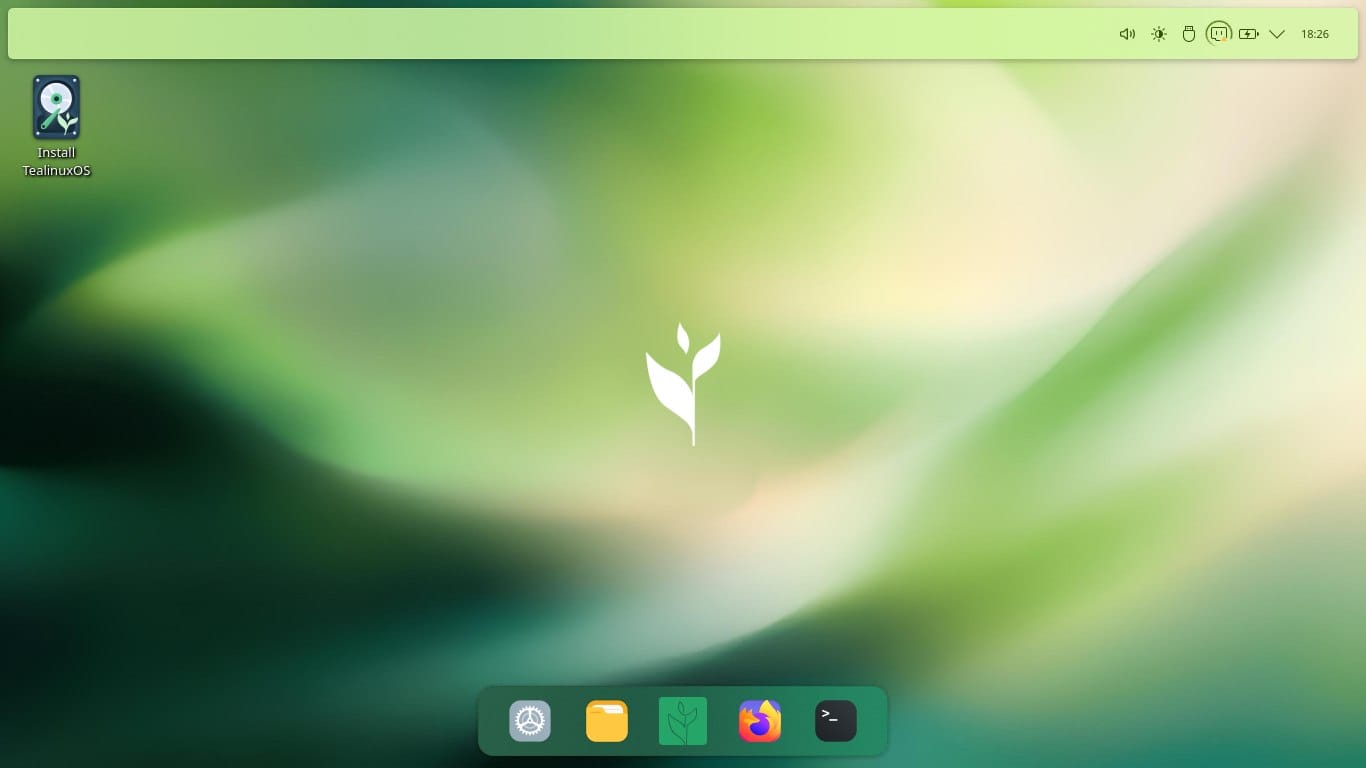
PLASMA EDITION
Stable & Powerful
Featuring the highly customizable and feature-rich KDE Plasma desktop.
Extensive Tooling
Comes packed with a suite of powerful applications for all your needs.
Community Favorite
A beloved choice for users who want control and a beautiful interface.
How to Install TeaLinux
1. Create Bootable Media
Use Rufus or Balena Etcher to create a bootable USB drive
2. Boot into Live Session
Try TeaLinuxOS without installing it to your system
3. Install to Disk
Follow the guided installer to set up TeaLinuxOS
Support The Project
Help us improve TeaLinuxOS by contributing to our open-source community.