Summary
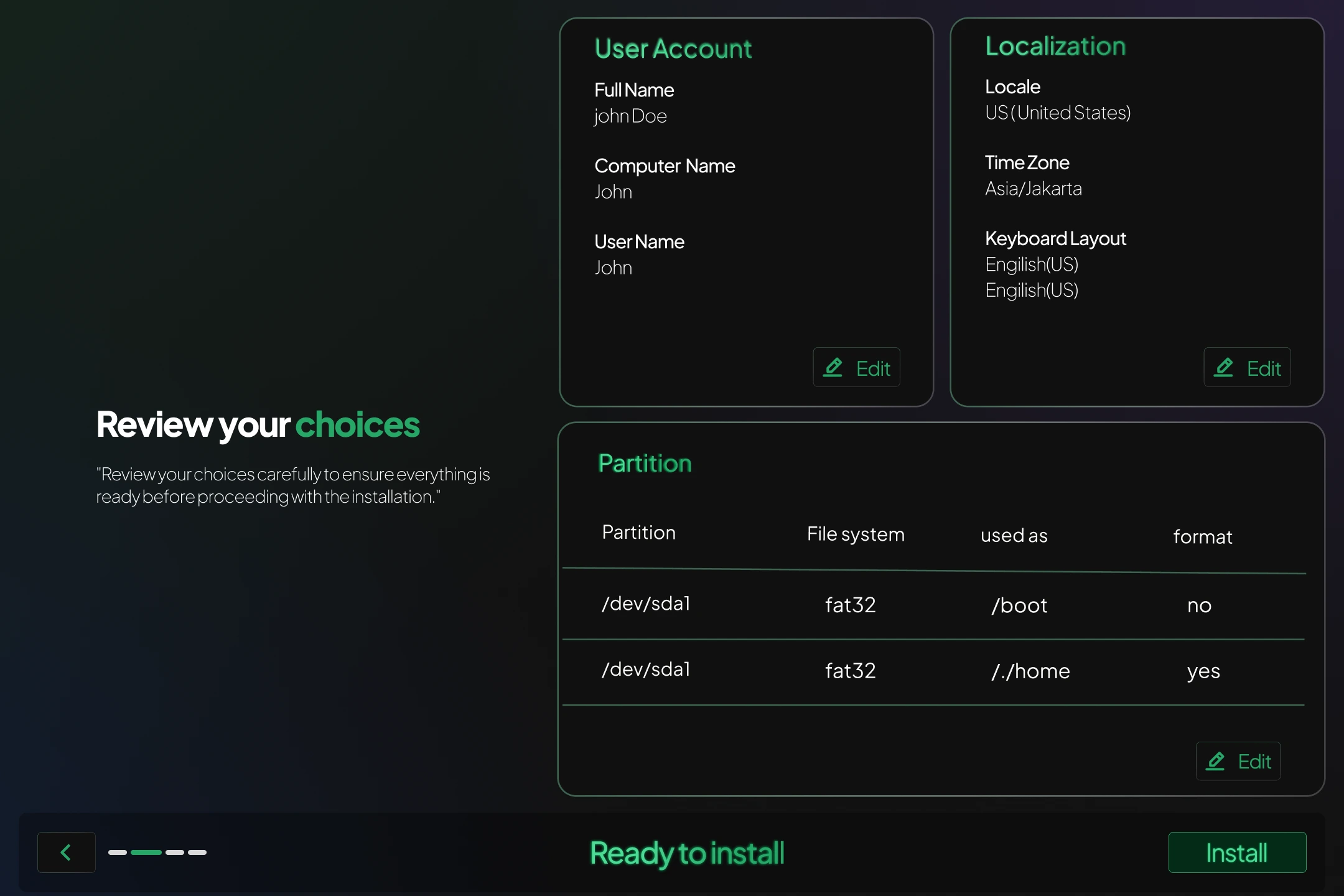
Before proceeding with the final installation step, a summary screen will display all the choices you have made during the setup process. This allows you to review and confirm that everything is correct.
The summary includes:
-
Disk Setup and Partitions
Details of the selected disk, partition table format (GPT or MBR), mount points (e.g./,/boot/efi,swap), and file systems (e.g. EXT4, BTRFS). -
User Configuration
Your chosen username, computer hostname, and whether automatic login is enabled. -
Locale and Keyboard
Language, region, and keyboard layout you selected. -
Timezone
The selected timezone for your system clock. -
Desktop Environment
The DE you’ve chosen (e.g. KDE, Cosmic), based on your ISO variant.
 After you confirm the summary, the installation will begin and may take several minutes to complete.