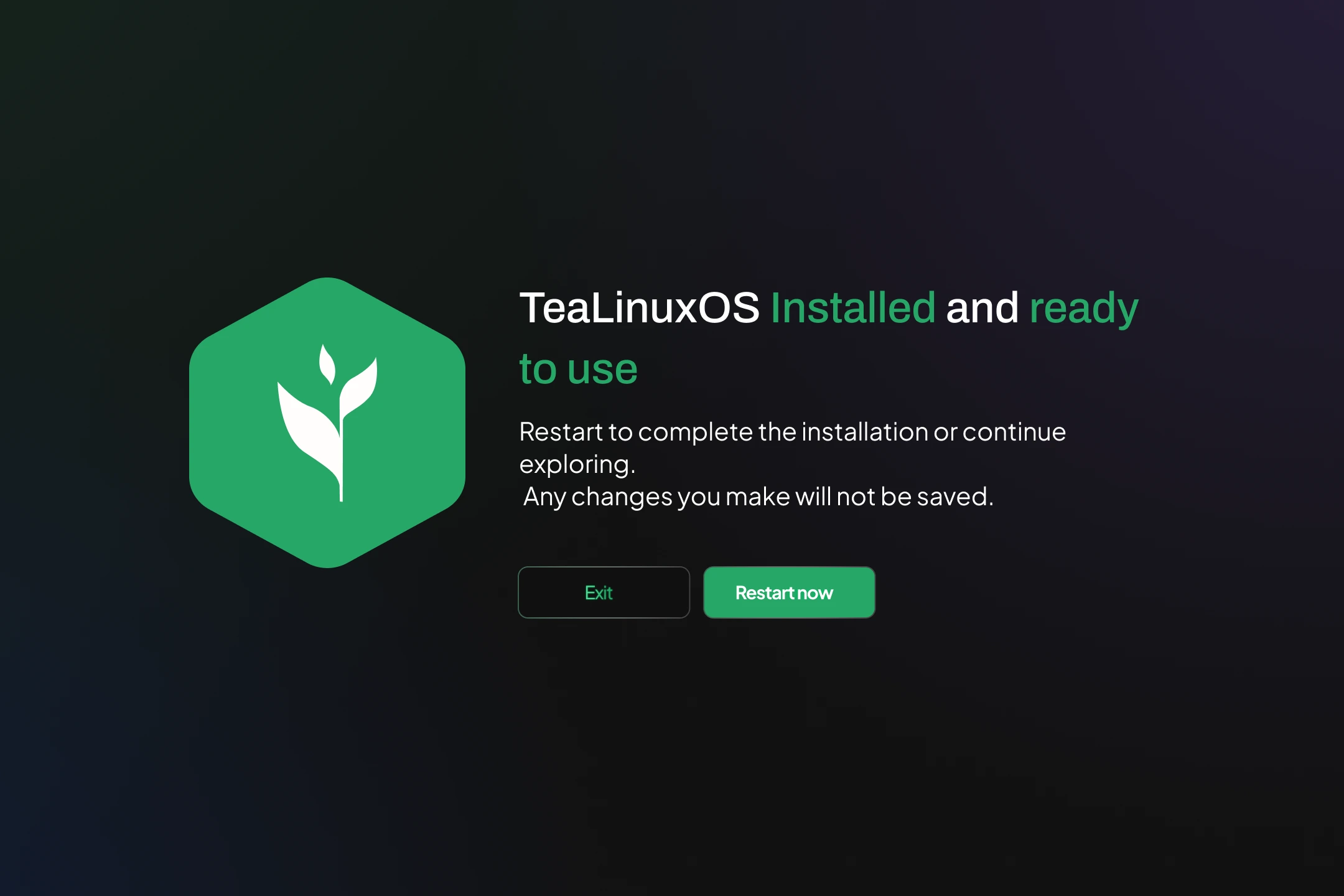
Installation Stage
After you confirm the summary and proceed, TeaLinuxOS will begin the installation process. This stage includes several automated steps to set up your system:
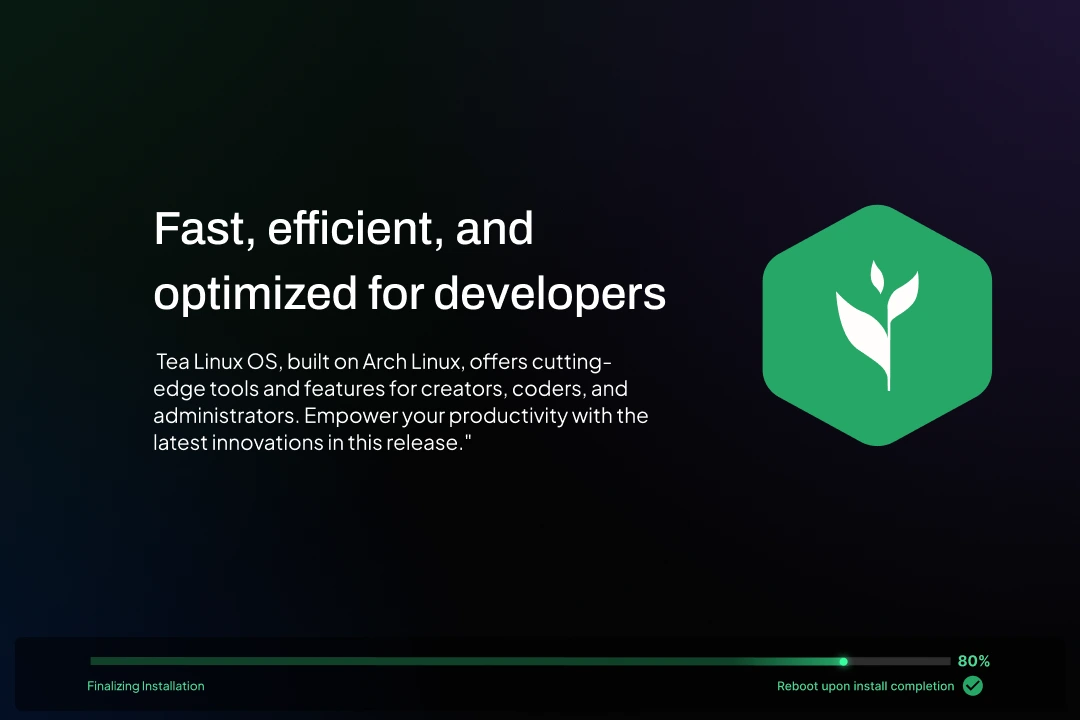
Partition Formatting and Mounting
The installer will format the selected partitions (e.g. /, /boot/efi, swap) based on your previous choices. Existing data in these partitions will be erased.
Base System Installation
The essential components of TeaLinuxOS, including the Linux kernel, package manager (pacman), and system libraries, are installed onto your primary partition.
Desktop Environment Setup
Your selected Desktop Environment (e.g. Cosmic or KDE) is installed along with essential graphical tools to provide a fully functional user interface.
Network and System Services
Networking tools and background services (such as NetworkManager, systemd, and time synchronization) are configured to ensure out-of-the-box connectivity.
User Account Creation
Your user account is created as configured earlier. If you enabled automatic login, your system will log in directly to your desktop environment without prompting for a password.
Bootloader Installation
The system installs and configures GRUB (or another bootloader) to ensure your machine can boot into TeaLinuxOS. On UEFI systems, this also involves creating entries in the EFI partition.
Finalizing and Cleanup
Temporary installation files are removed, and the system is prepared for the first boot.