About Page - TeaLinuxOS
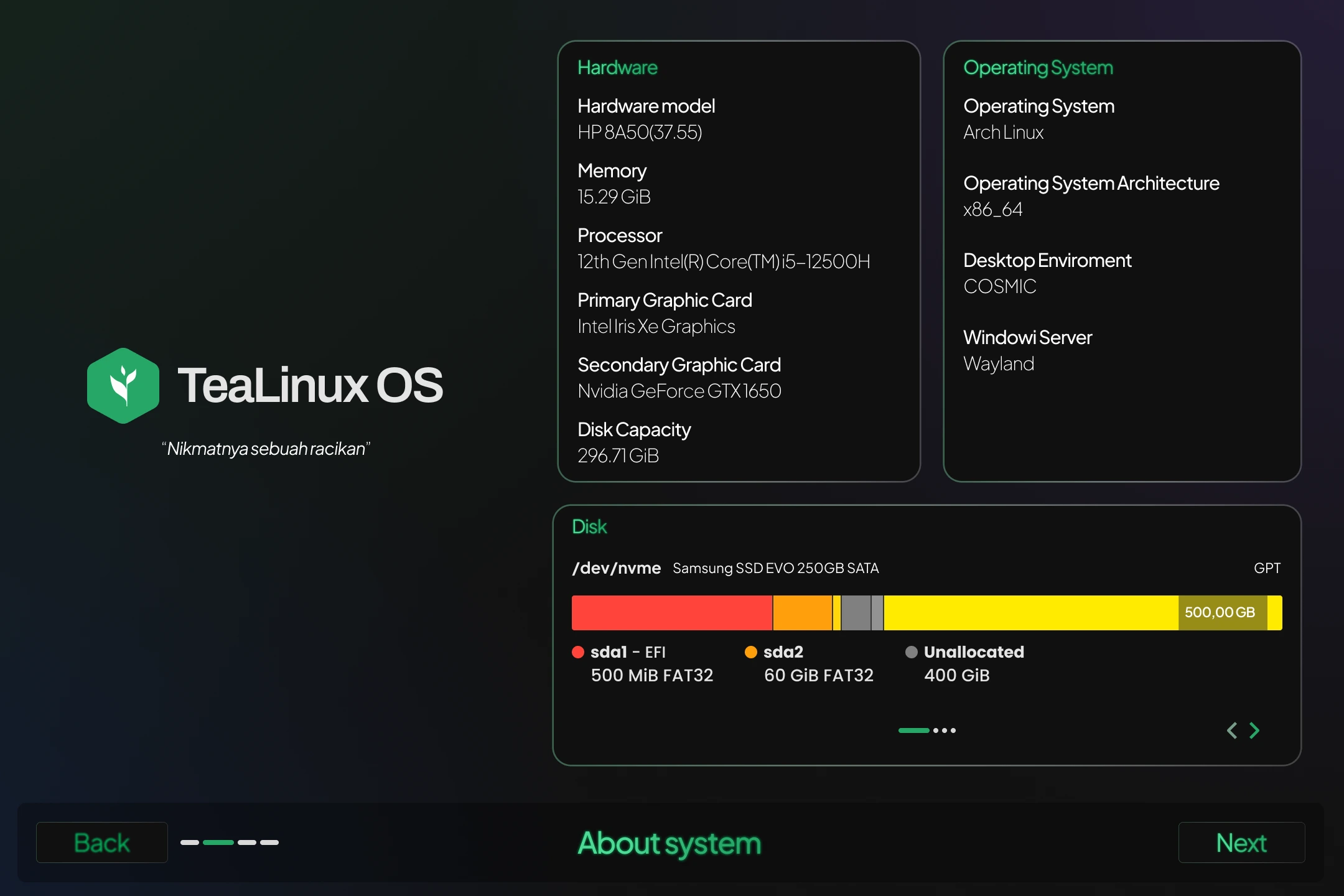
Before jumping into the installation, the About page gives you a quick overview of your system. It’s a handy spot to make sure everything is ready and compatible.
What You’ll See Here
- System Information: Details about your hardware, like CPU, RAM, and storage
- Disk Partition Type: Either GPT or MBR
- Firmware Mode: UEFI or legacy BIOS
- Disks and Partitions: See all connected disks and their current partition layout
- Graphics Card (GPU): Your system’s graphic card details
- OS Architecture: Whether you’re running 32-bit or 64-bit
- Desktop Environment: Like COSMIC, KDE, etc.
- Window Server: X11 or Wayland — whichever is being used
What You Can Do Here
You can interact with this page in a few simple ways:
- Select a Disk: Choose which disk you’d like to preview
- View Partition Details: Click on a partition to see more info about it, like size and type
⚠️ Note
Some devices use different firmware setups. Double-check your boot mode (UEFI/BIOS) and partition type (GPT/MBR) before continuing the installation process.